sales

Back to Flow Help Centre

How to use the CRM in Flow

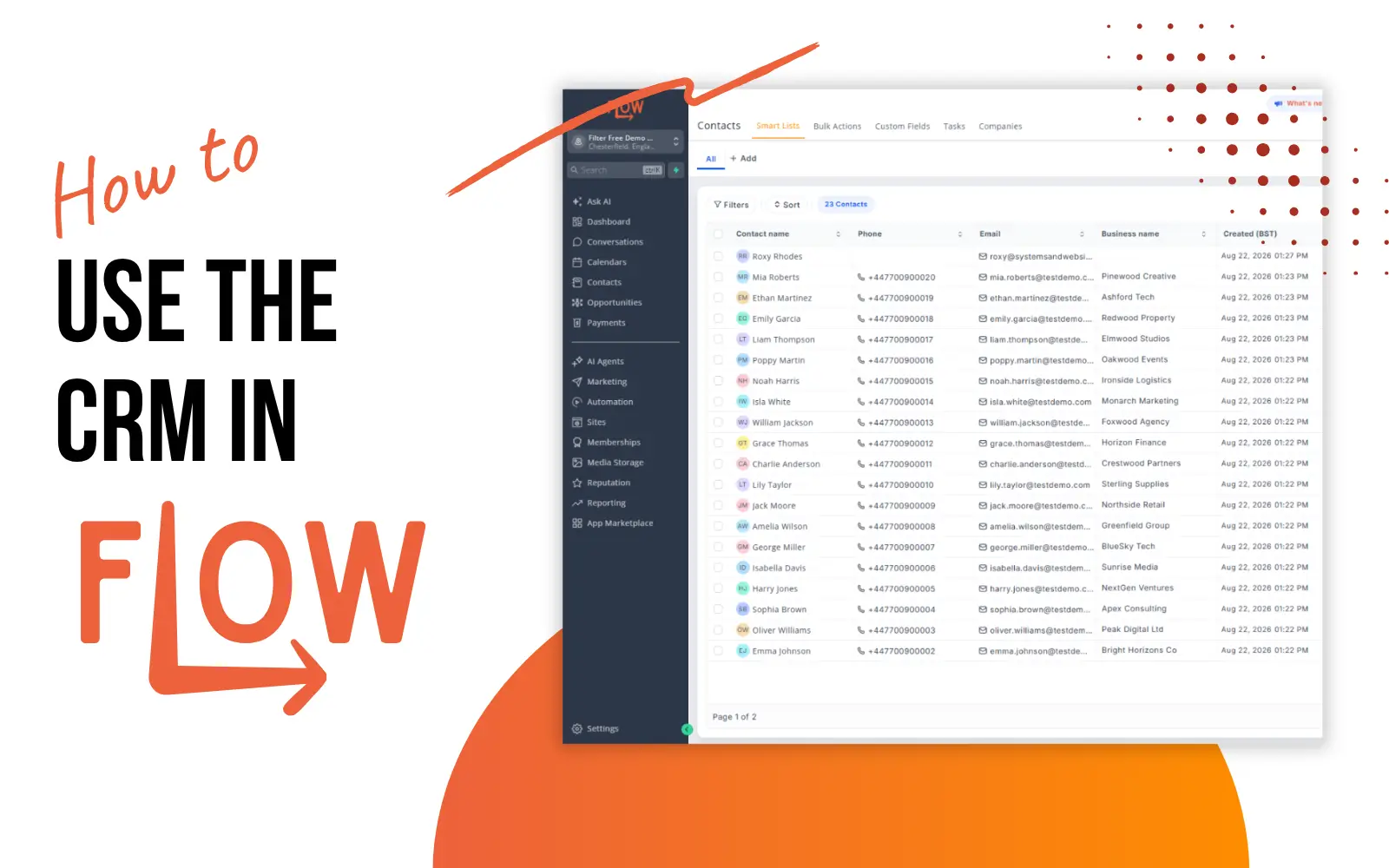
How to use the CRM in Flow

The CRM (Customer Relationship Management) is your database of all of your contacts, clients or customers. It can contain your mailing list, or lists of leads gathered through social media and your website. Learn how to organise and manage your list to ensure everyone who interacts with your business gets the same great experience.
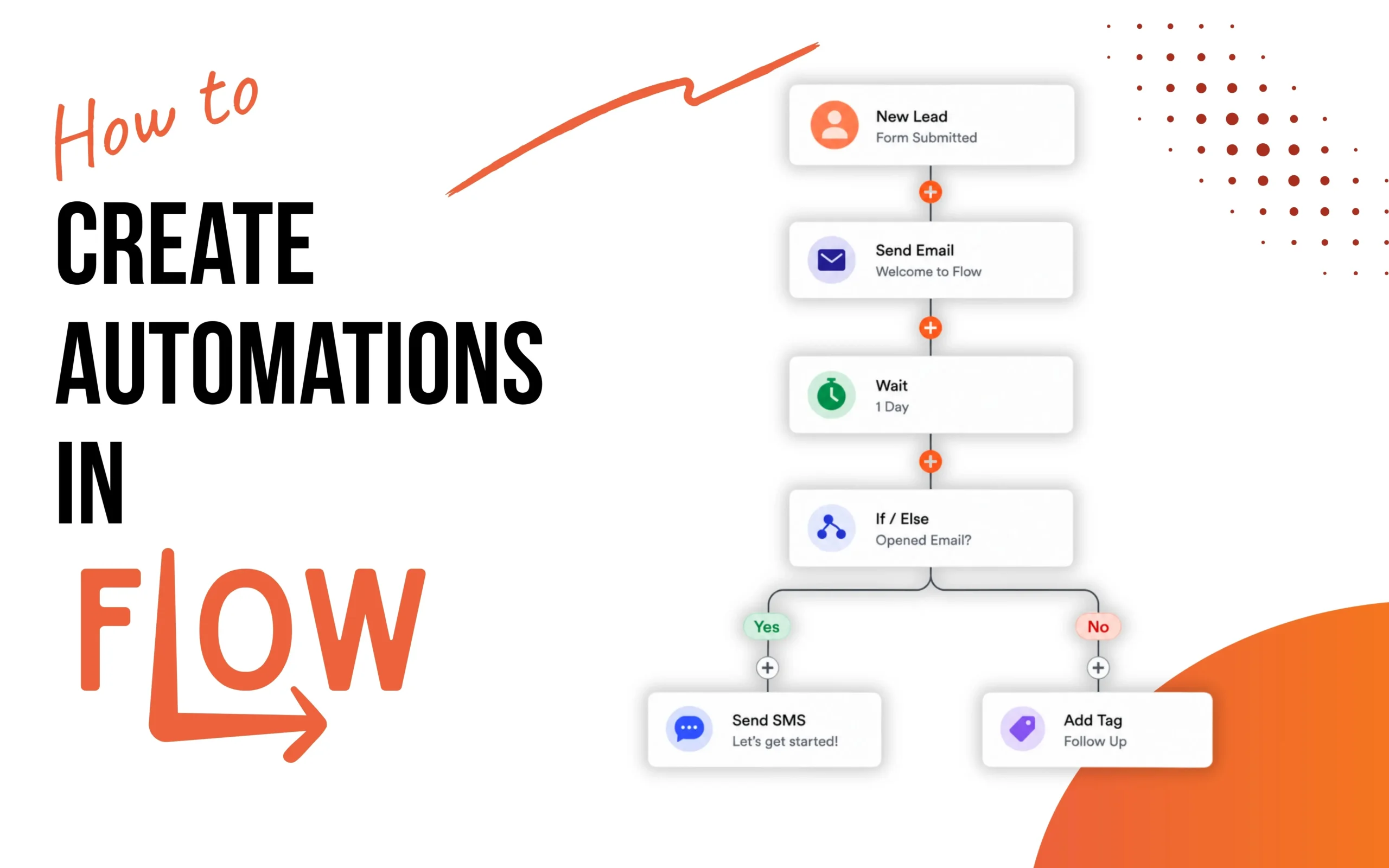
How to create automations in Flow

How to create automations in Flow

Automations are the backbone of any efficient business system and one of the most important to master. In Flow, automations allow you to create intelligent workflows that respond to customer actions automatically, eliminating repetitive manual work and saving you tonnes of time. Once you master automations, your business can operate 24/7 without requiring constant oversight.

How to create a booking calendar in flow ()

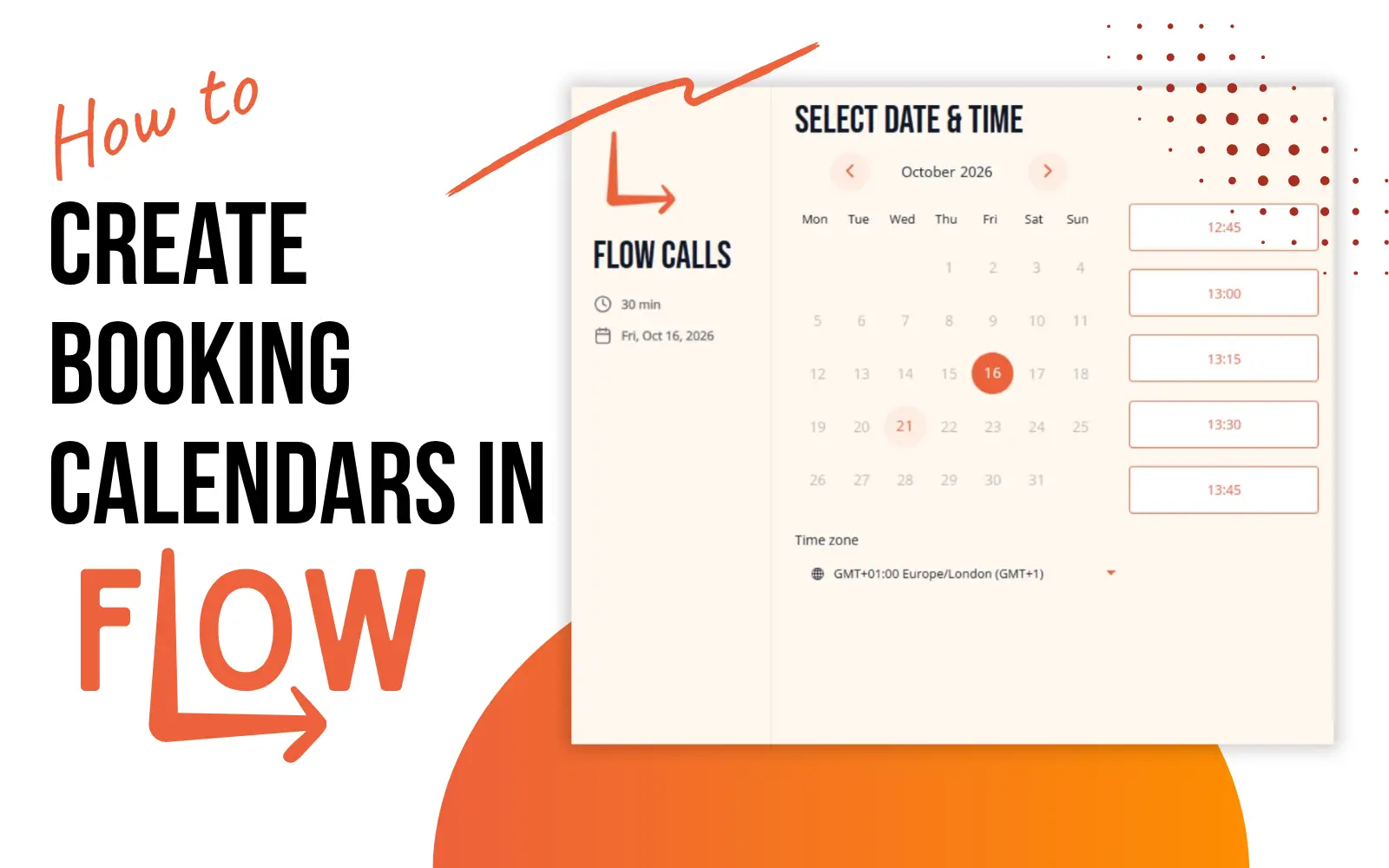
How to create booking calendars in Flow

Booking calendars let customers see your availability and book appointments in seconds. No back-and-forth emails, no juggling schedules. They pick a time slot, confirm their details, and they’re booked. For coaches, consultants, hairdressers, therapists, trainers, and any business that works with appointments, a booking calendar transforms how you operate.

How to create & sell products in Flow

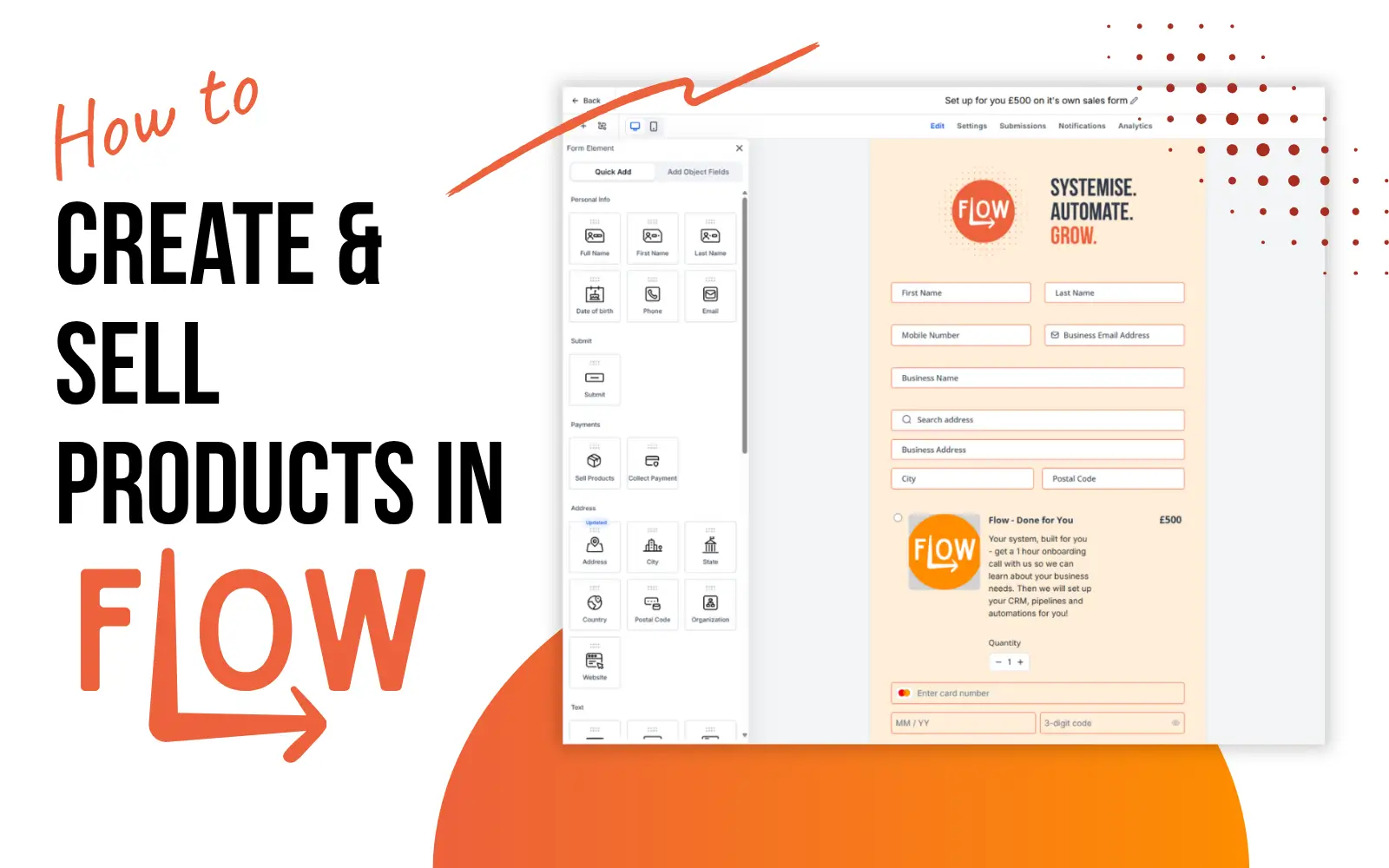
How to create & sell products in Flow

Flow isn’t just for CRMs and automations. It’s a complete sales platform where you can create products, set pricing, offer discounts, and sell directly to your audience. Whether you’re selling digital products, physical goods, courses, memberships, or services, Flow handles the entire transaction in one place. No need to juggle separate payment processors, spreadsheets, or accounting systems.