

What to do first in Flow
📖 5 minute read
Flow can do so much to help grow your business. But to do that it's helpful to connect it to various other services you already use so it can automate and track performance. As a starting point we strongly recommend you connect the services below first.
Connect Your accounts
To use Flow to it's full potential we would recommend connecting your following business accounts:
- Your Google/Outlook Calendar
If you plan to use a booking calendar you can link it to your own so clients can only book when you are available.
- Your Social Media Accounts
Linking your social media accounts allows you to send messages in these through Flow, as well as using the Social Media Scheduler - Your Google Business Profile
By linking your Google Business Profile you can track online reviews and use automations to help request them from your customers. - Your Stripe Account
Your Stripe account is used whenever you want to take online payments through Flow.
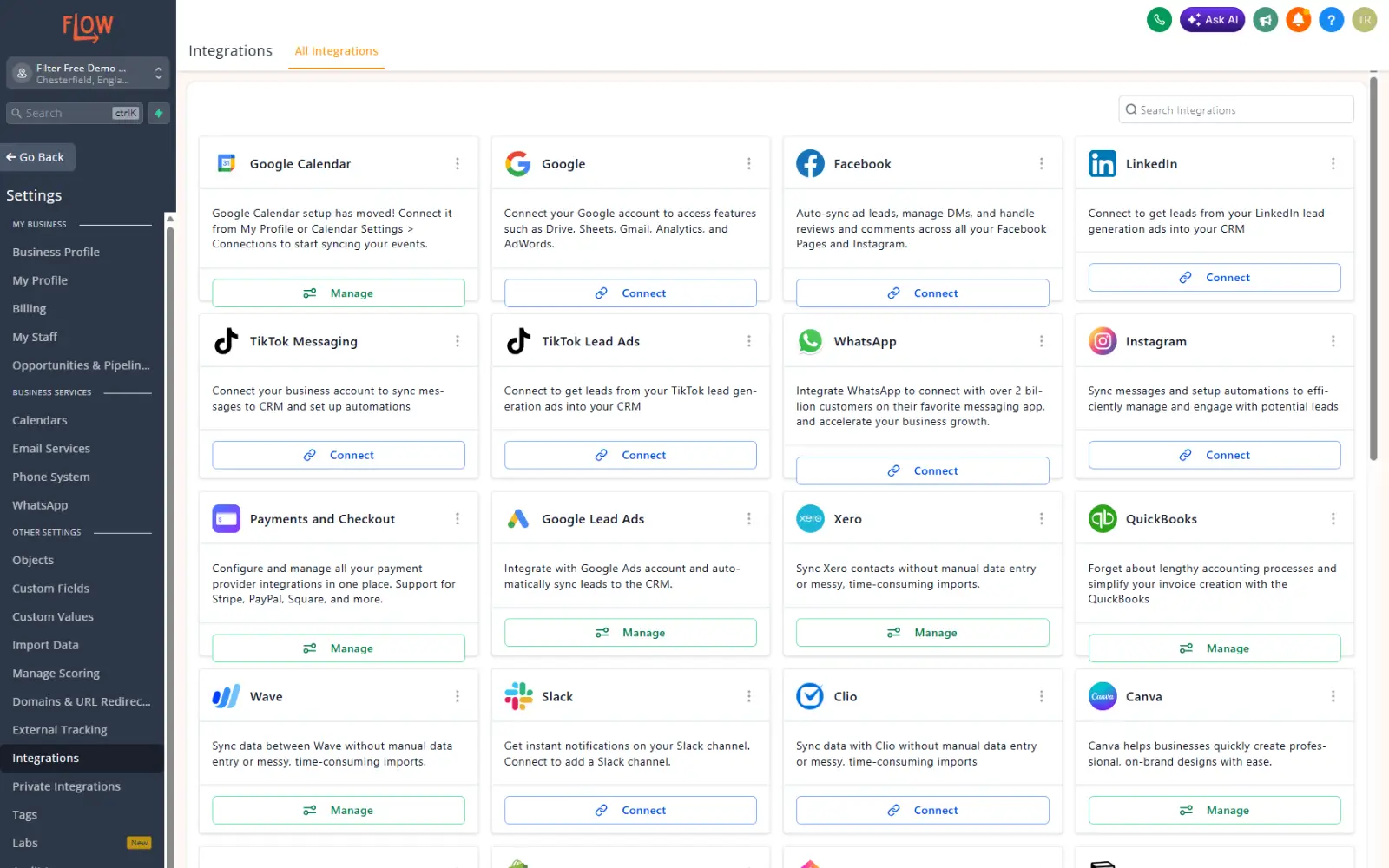
To connect your accounts please go to Settings at the bottom of your left hand task bar, then go to Integrations. This will open a page to connect all of your accounts.
Add your card details for account top-ups
Emails and SMS sent from Flow operate on a pay as you go wallet system that 'tops-up' automatically when it reaches £0 in your wallet. The charges for individual emails are low at roughly £0.0005 per email (around 2000 emails per £1 spend).
To add/change your card click settings on the left hand menu (at the bottom) and go to billing. Without this you will be unable to use your account to send messages or email notifications to your clients or staff.
Get Stuck in!
Once you've connected your accounts, you can start adding contacts, creating email marketing & social media campaigns, or even setting automations!
A lot of the way Flow works is quite intuative, but if you need help then please visit the Flow Help Centre for instructions on how to use all of the features on offer. We want you to be able to use everything that can help your business grow!